Color Space
Loading game...
What is Color Space?
Color Space isn't your average color picker — it's a vibrant, interactive playground that lets you explore the true relationships between colors in advanced 3D perceptual color spaces. Pick one hue and watch harmonious palettes bloom around it in real time, rendered in beautiful, perceptually uniform gradients that actually look consistent to the human eye.
The twist? Traditional color tools often lie to your eyes with uneven brightness and muddy transitions. Here, OKLCH, OKHSL, and CIELAB spaces deliver smooth, professional results every time — making it addictive for anyone who battles "that color just doesn't feel right" syndrome.
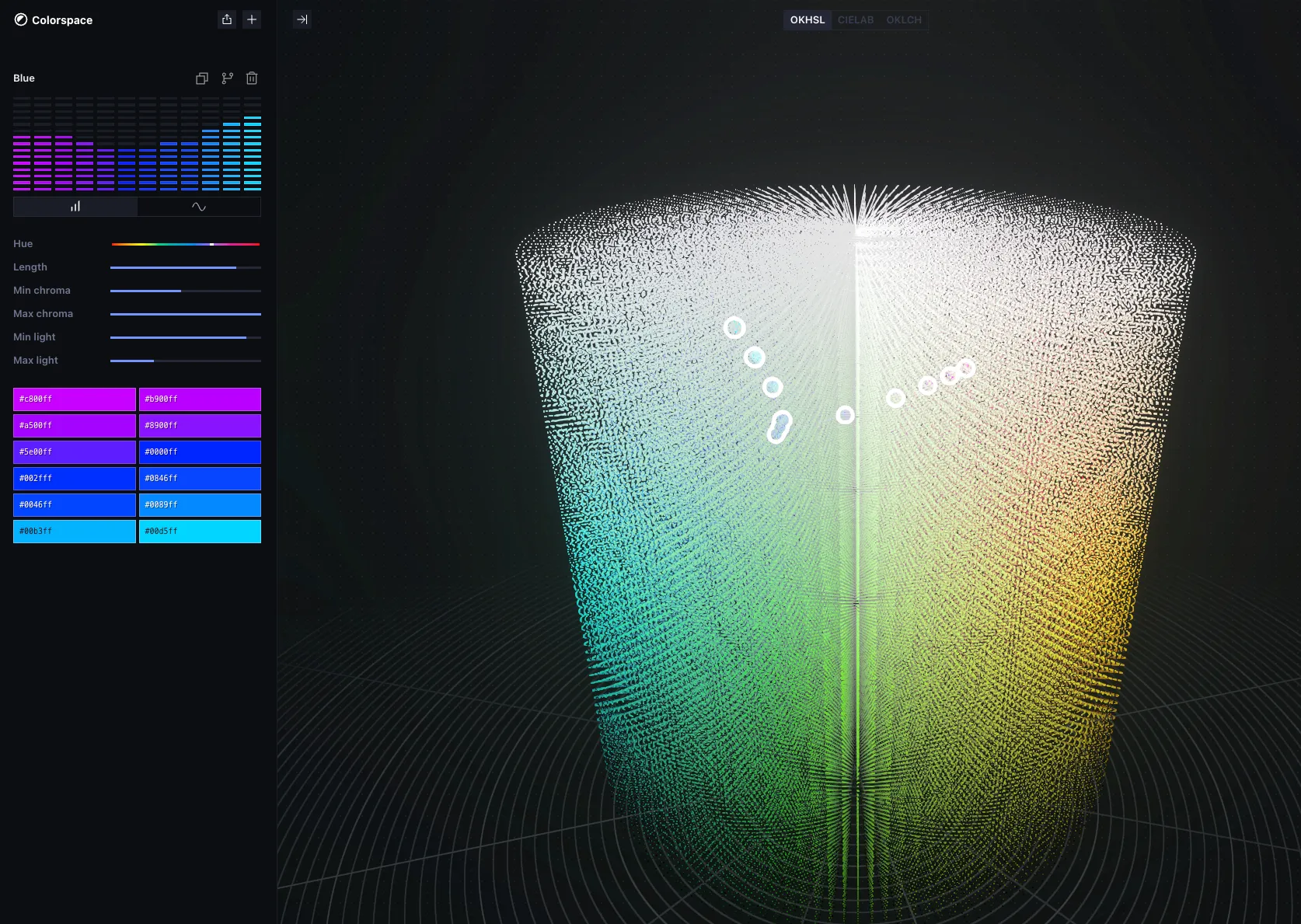
Color Space Rules (The Catch / The Trap)
- You MUST start with a single base color (HEX, picker, or random).
- You CAN freely rotate, zoom, and fly through the 3D color cloud to discover perfect neighbors.
- You CANNOT rely on old HSL tricks — the tool forces perceptually accurate relationships, so bad combinations immediately feel off.
- LOCKED IN: Once you lock a scale or chroma range, the entire palette updates live. No muddy surprises.
- The Trap: Over-exploring the infinite 3D space can lead to hours of hypnotic tweaking before you export the perfect set.
How To Play Color Space?
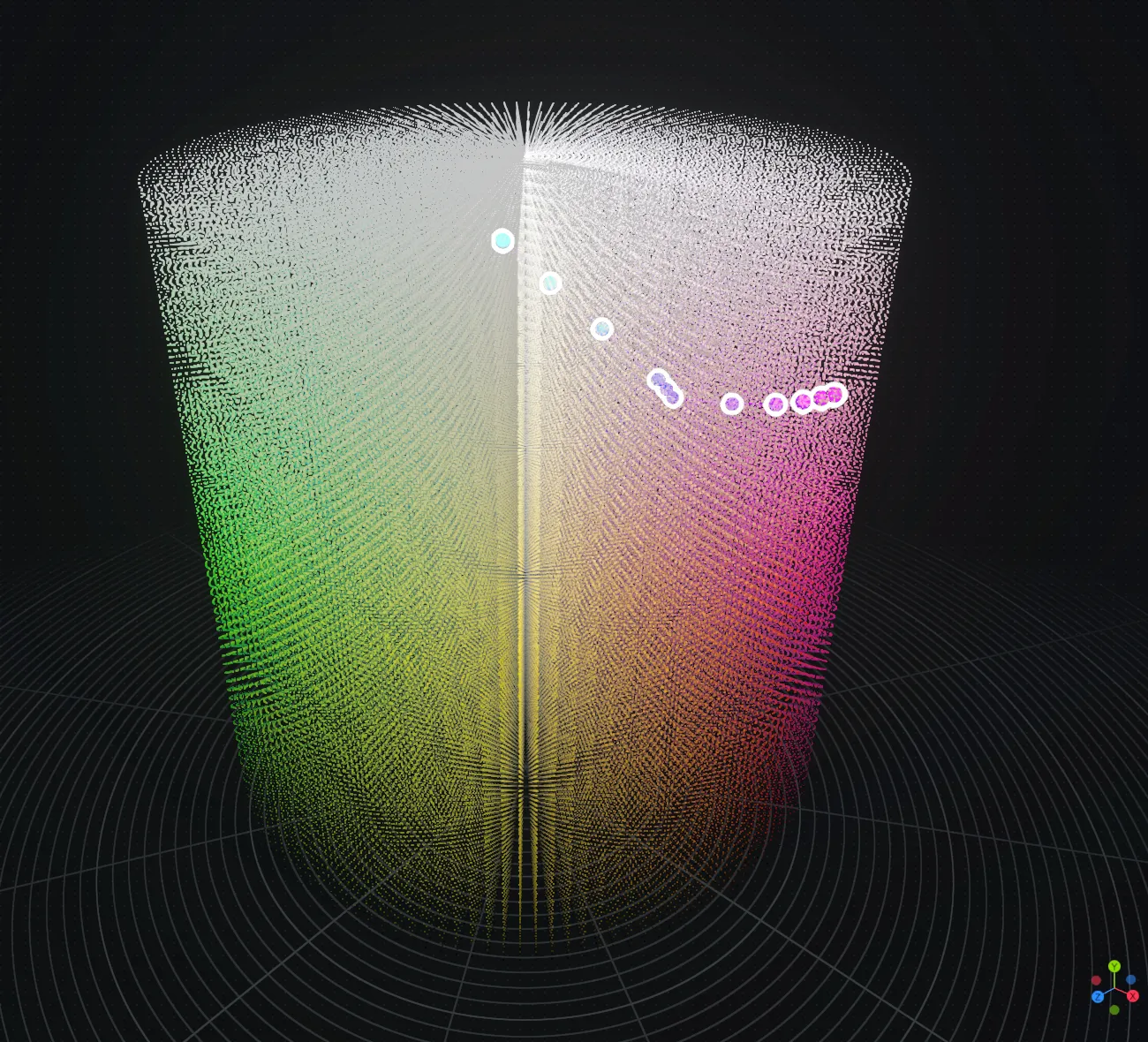
Step 1: Drop Your Anchor Pick or paste a starting color (e.g. a vibrant #3BA6F5 blue). The 3D space instantly lights up with related tones spinning around your choice.
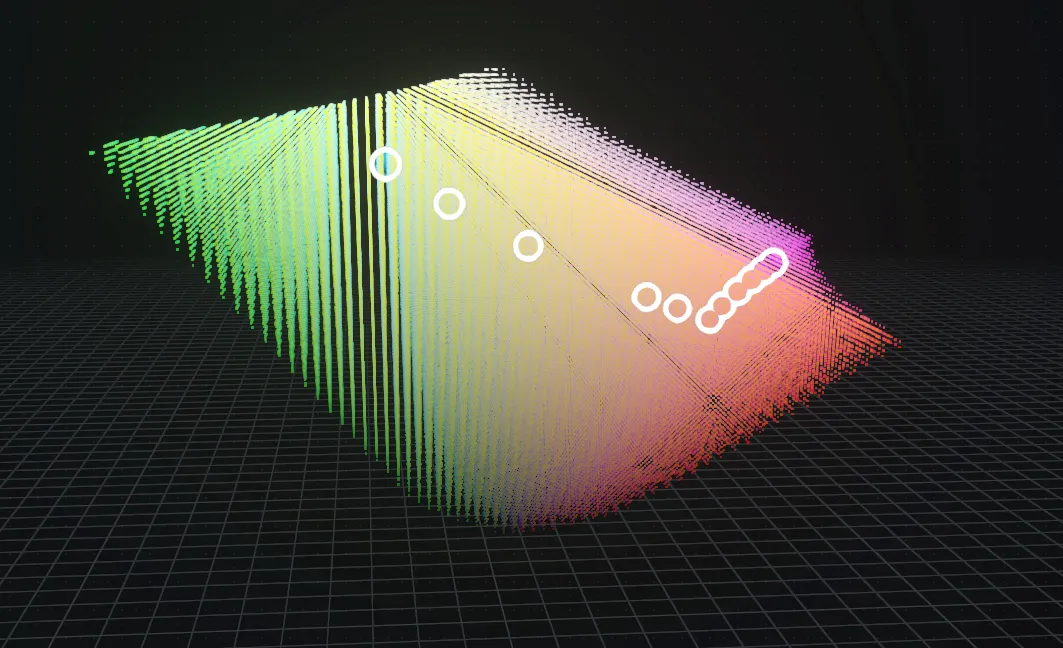
Step 2: Explore the Universe Drag to rotate the 3D view. Zoom in on clusters of harmonious colors. Switch between OKLCH, OKHSL, and CIELAB modes to see how the same palette behaves in different perceptual dimensions.
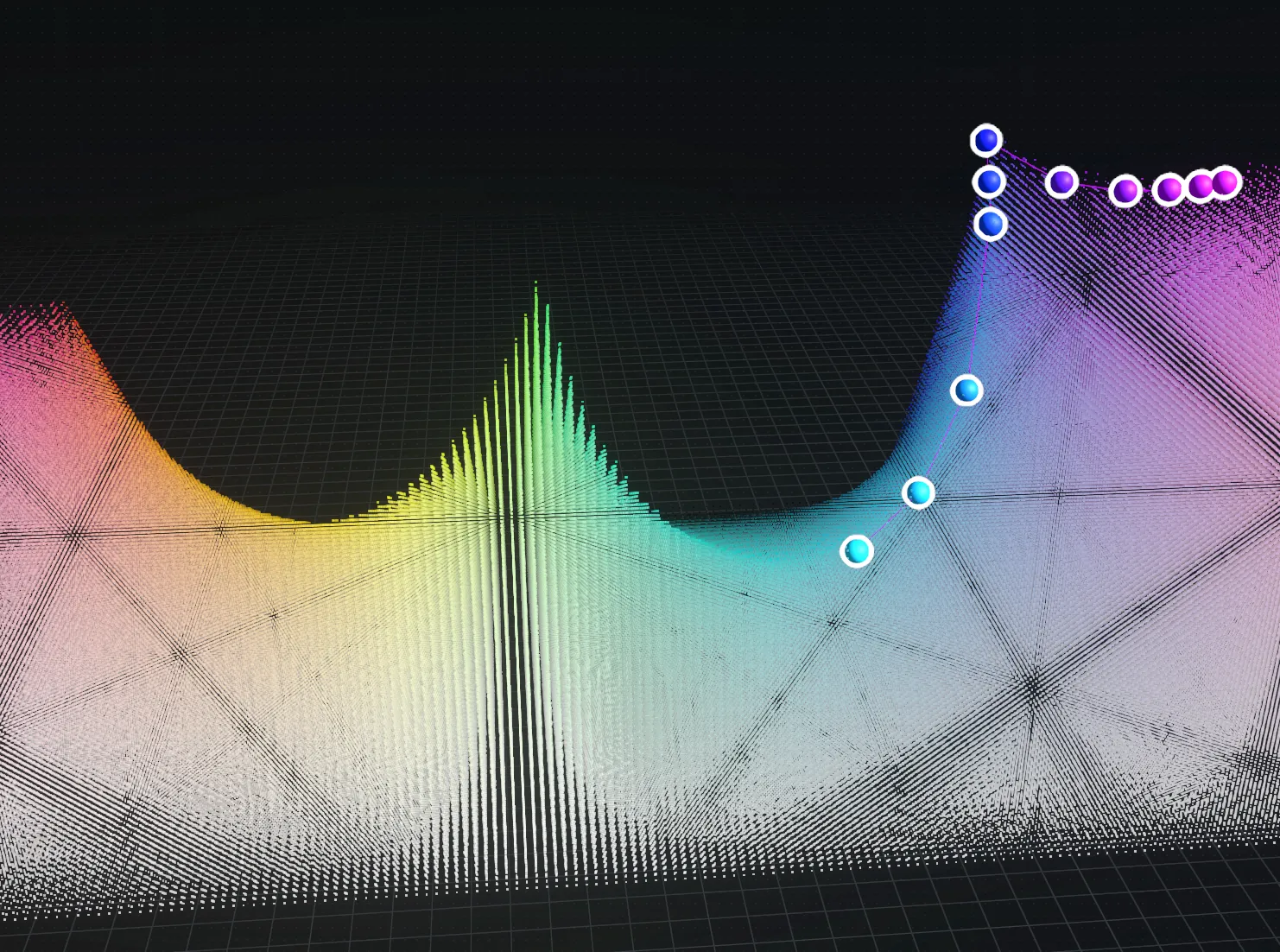
Step 3: Tweak the Parameters Adjust lightness, chroma, and scale sliders. Watch entire gradients shift smoothly in real time. Add or remove shades to build your ideal 5–12 color palette.
Step 4: Lock & Export Found the perfect harmony? Copy HEX, RGB, OKLCH values or export the whole set. Your palette is ready for Figma, CSS, or your next big project.
Step 5: Iterate & Master Try a new base color and challenge yourself to create accessible, beautiful schemes faster than before.
Strategy & Tips
- Start in OKLCH for the most natural-looking results.
- Use the 3D view to avoid clashing hues that look fine in 2D but fail in real designs.
- For accessibility, keep chroma and lightness differences visible in the perceptual space.
- Experiment with extreme scales — the tool reveals surprisingly beautiful combinations you’d never find manually.